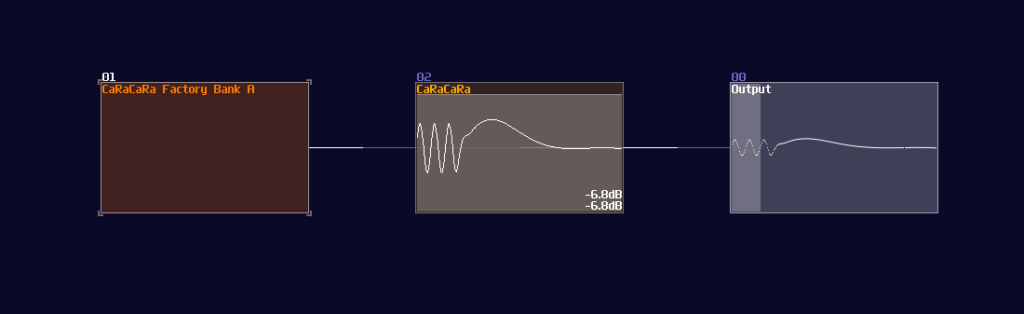

Preset Bank Generator 2.0.0 in action
The Preset Bank Generator has been received a new massive update! This program is completely rewritten in pixilang with the latest SunVoxLib, solving the biggest limitation from the previous C++ implementation. Invited acheney into the project, this new preset bank generator now provides an ECO system on how SunVox preset are managed with much better UX, including:
– Simple and clean GUI with descriptions, so you can use the preset bank generator with your intuition
– Export to Acheney Patch Cards, compatible with his metamodules
– Validations, so you don’t need to worry about any invalid modules in your .sunvox file or wrong configurations
– More reliable and performant conversion process
– No more annoying workflow of manually loading core and surface logic in a metamodule
You can run it from the source code, but it is recommended to download the compiled program:
Sources: https://github.com/Logickin-Lambda/Preset-Bank-Generator-Mk2
Program: Preset Bank Generator 2.0.0
Now, let’s see how to use the program:
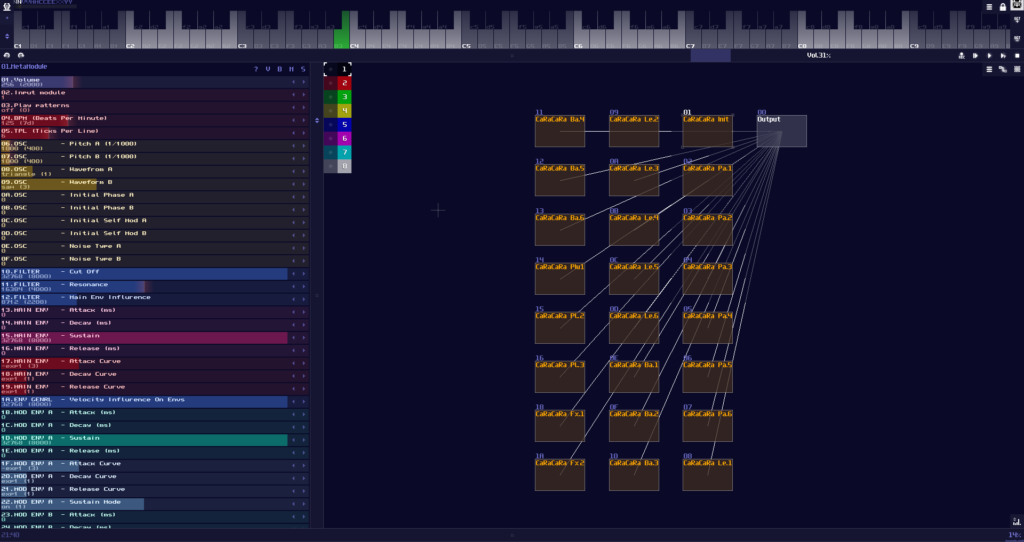
1. Similar to the original C++ version, you need to prepare a sunvox project with full of sunsynth of your choice, so that the program can import your synth setting by reading a sunvox project file, but unlike the original version, you no longer have to worry about accidentally adding a wrong type of modules or leaving any gaps because here is now a validation to handle such situation and to skip any invalid modules. Before saving the project, make sure you have given a good preset name to your sunsynths so that the patch card names become more meaningful.
2. After you have saved your sunvox file, you need to download pixilang 3.8.3b (or up) and my preset bank program in order to run it. Once you have gathered and unzipped the two programs, find the correct pixilang executables (e.g. exe for windows) and open it, so you will get something looks like this:
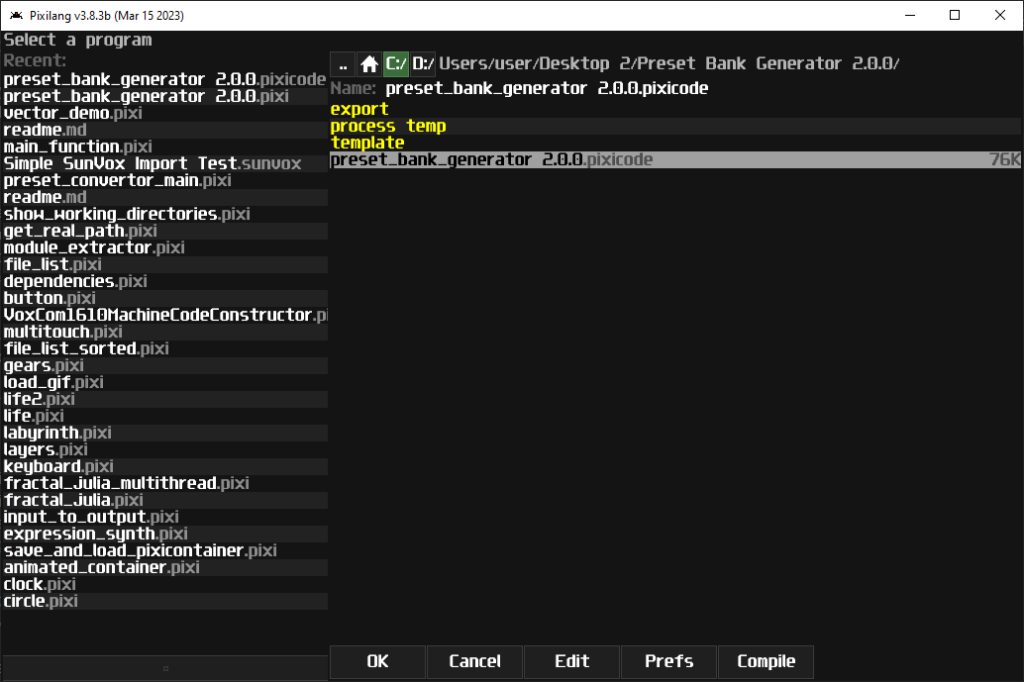
The left panel may not exists if you use the pixilang VM for the first time
3. Now find the unzipped file of my preset bank generator in the pixilang program, trying to locate files with names either preset_bank_generator 2.0.0.pixi or preset_bank_generator 2.0.0.pixicode; to run the program, all you need to do is to double click the file, so you will enter the following screen:
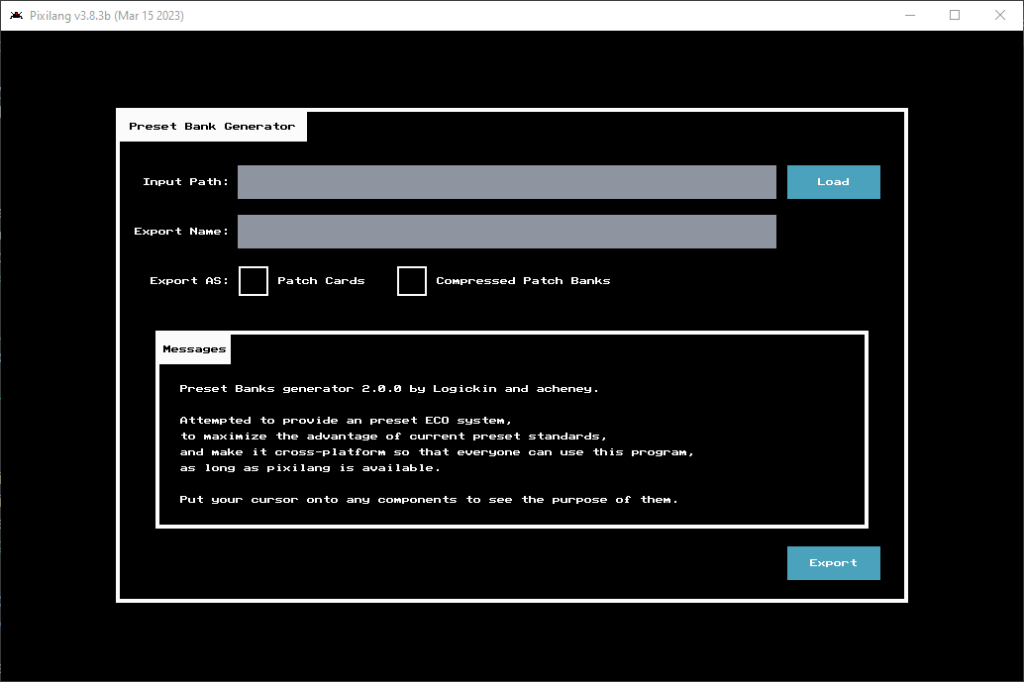
4. At this point, everything is straight forward; all you need to do is to click the load button to pick your sunvox file; give a good export name for your export folder and bank name by clicking the grey rectangle box to edit text; don’t forget to choose the export type which you can export your sunsynths into acheney’s patch cards or my patch banks (or both). Once you have finished, you may click the export button to start the conversion; don’t worry about missing a field or two because there are validations to prevent you leaving the inputs as empty. If you forget some of the option, there is a message box to provide a more detailed explanation.
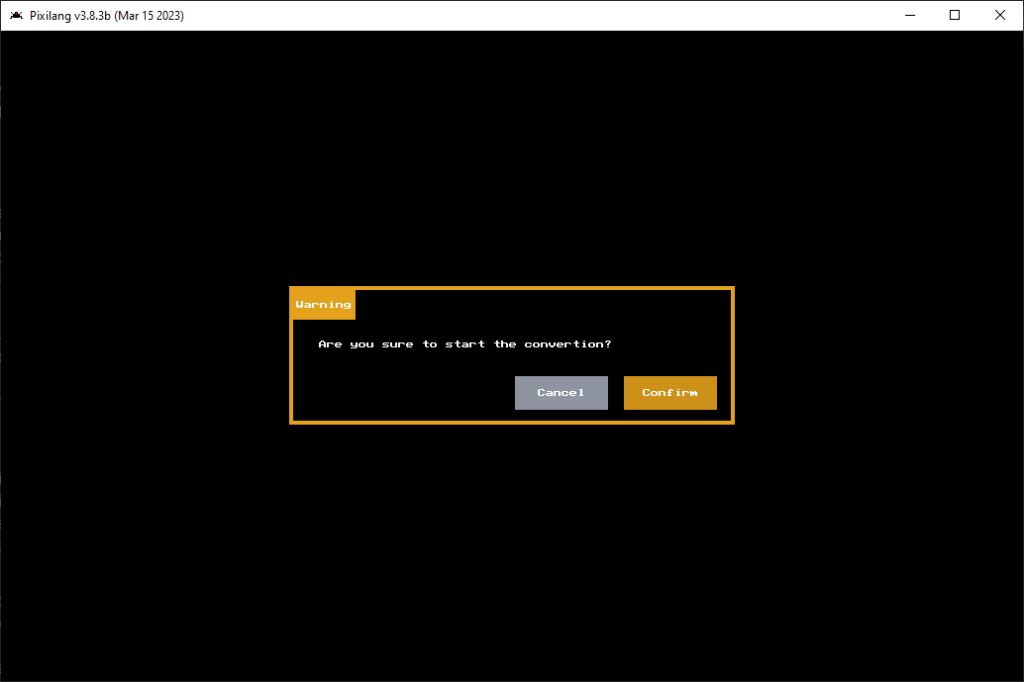
5. After you have prepared all the configuration and clicked the export button, there is a popup to confirm your operation: press Confirm to continue, or press Cancel to go back to the config page.
6. Once the operation has been confirmed, a grey processing popup is shown; all you need is to wait the process to finished. Generally, it will only take a couple of seconds, and in the animation at the top of the post, the program only takes under 5 seconds to export 24 CaRaCaRa modules into both patch cards and banks. Larger the collections of sunsynths in the sunvox project, longer the process time.
7. If the process completes the conversion, a green success popup will be shown to notify you to close the program. After the that, you can find the export result in the export folder. Since SunVoxLib cannot save the modules as sunsynths, you have to open the exported sunvox project and save the patch cards and banks as that format.
8. Now enjoy your patch cards and patch banks! Simply connecting your patch cards / banks into your target module, playing a note from the cards / banks, you can switch preset on the fly!